TOSHEO AI SKILLS
You bring the vision.
AI Skills bring the craft.
You do not need to know which camera angle, lighting setup or edit to ask for. Describe what you want to make. AI Skills give your AI Director the production know-how to plan what belongs in the scene, where it goes and how it should feel.
Start planning for free. Rendering follows scoped cost approval.
“Make her realisation feel private and uneasy.”
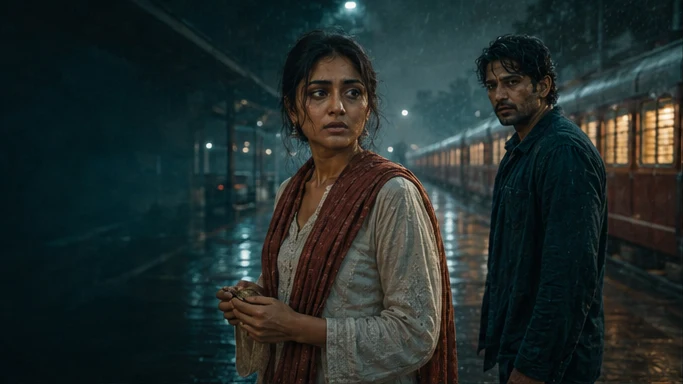
Proposed 9:16 composition / subject and caption space.
THE AI SKILL ADDS THE DIRECTION
- Camera
- Eye-level close-up; hold as recognition changes.
- Placement
- Keep her eyes in the upper third and the keepsake readable.
- Lighting
- Use the station practicals as a motivated side light.
Fictional examples and illustrative artwork. Switching examples shows prepared direction, not a live generation or an approved production.
TOSHEO AI SKILLS
Meet the skills behind the scene.
Explore the craft your AI Director can apply to your production. Choose a skill to see what it takes in, what it decides and what it passes into the next stage.
01 / AI SKILLIllustrative artworkCliffhangers
An ending with somewhere to go next.
An ending beat, a proposed cut point and a next-episode payoff.02 / AI SKILLIllustrative artworkCharacter bible
A cast with more than a good first frame.
Character sheets covering appearance, voice, relationships and story state.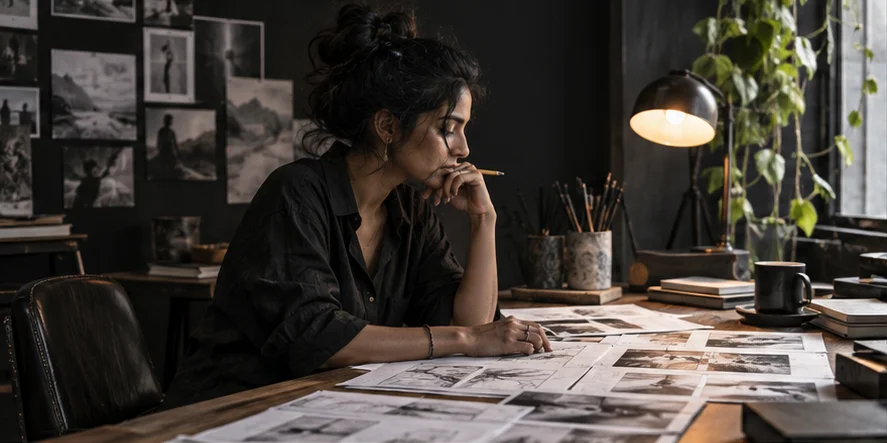 03 / AI SKILLIllustrative artwork
Beat sheet
A connected arc before you write every scene.
Episode-level hooks, turning points, endings and payoff dependencies.04 / AI SKILLIllustrative artworkVertical shot lists
The right frame for the moment you mean.
Shot choices, camera angles, subject placement and lighting direction for a vertical frame.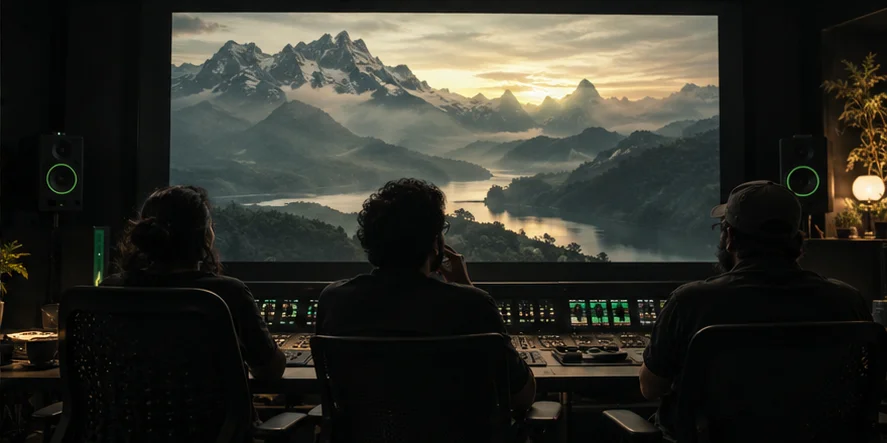 05 / AI SKILLIllustrative artwork
Voice direction
A performance direction behind every line.
Voice traits, emotional direction, pronunciation notes and language-review cues.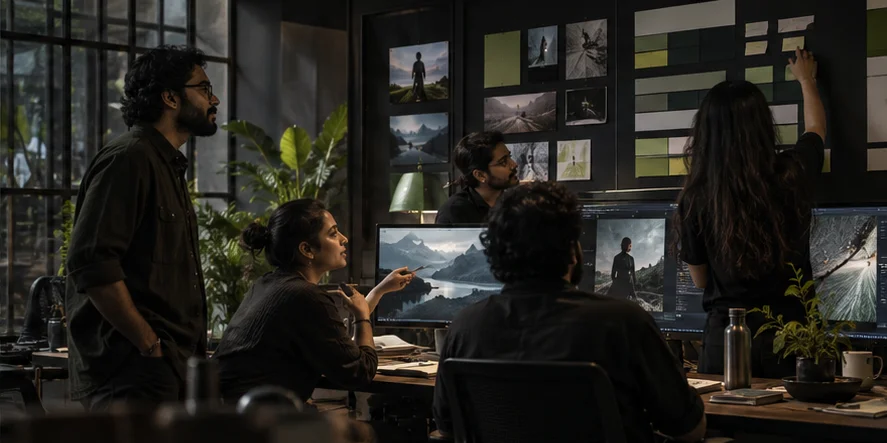 06 / AI SKILLIllustrative artwork
Continuity
The details should remember the scene before.
A continuity checklist, specific warnings and scoped repair suggestions.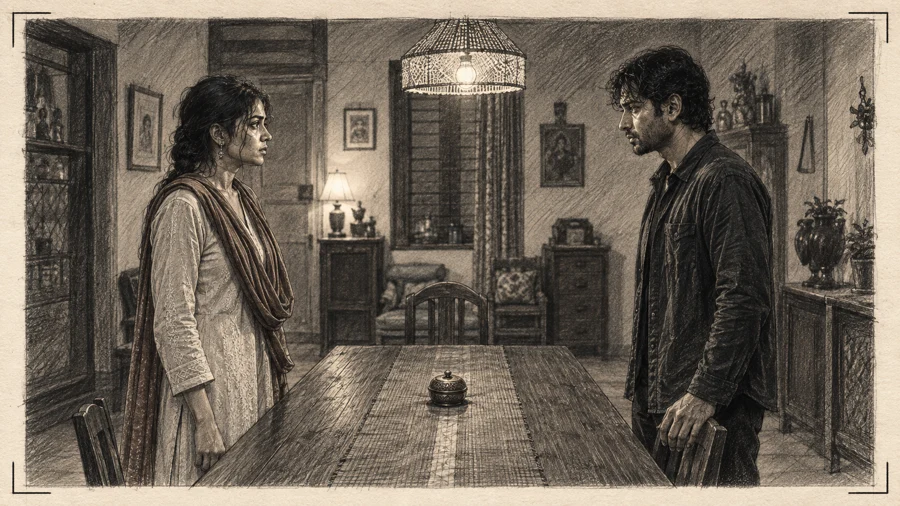 07 / AI SKILLIllustrative artwork
Storyboarding
See the direction before you fund the render.
Storyboard panels with framing, camera movement, light and timing notes.08 / AI SKILLIllustrative artworkCaptions
Words placed where the story can still breathe.
Caption timing, readable line breaks, placement guidance and track-specific review notes. 09 / AI SKILLIllustrative artwork
Rights clearance
Know which permissions need an answer.
An organised rights checklist with missing information and affected work identified.10 / AI SKILLIllustrative artworkRetention editing
A cut with purpose from opening to ending.
Suggestions for the opening beat, edit rhythm, reaction holds and ending transition.FROM INTENTION TO DIRECTION
You do not have to speak production.
Say what the scene should achieve in your own words. The AI Skill translates that intention into craft decisions your AI Director can carry into the plan, storyboard and production.
- 01
Describe the result.
A feeling, a scene, a character or a campaign objective. Start with what you want the audience to experience.
- 02
Let the skill work out the craft.
It prepares the relevant choices: where to place the subject, how to frame and light it, what to hear and when to cut.
- 03
Carry the direction into production.
Your AI Director applies the skill within your creative canon, selected format and production scope.
Review creative preparation yourself, or use Auto mode for the story and asset preparation you choose to delegate. Rights clearance, rendering costs and final delivery retain their approval requirements.
TOSHEO AI SKILLS
Describe the scene.
Let your AI Director work out the craft.
Start with an idea, a story brief or a campaign. AI Skills help turn the intention into a considered production plan.
Start planning for free. Rendering follows scoped cost approval.