InVideo AI alternative. Compare the production workflow.
InVideo now describes agent-led creation, storyboarding and timeline editing. Compare it with Tosheo through a real publishing brief: what the agents prepare, what you review and how the accepted work reaches each channel.
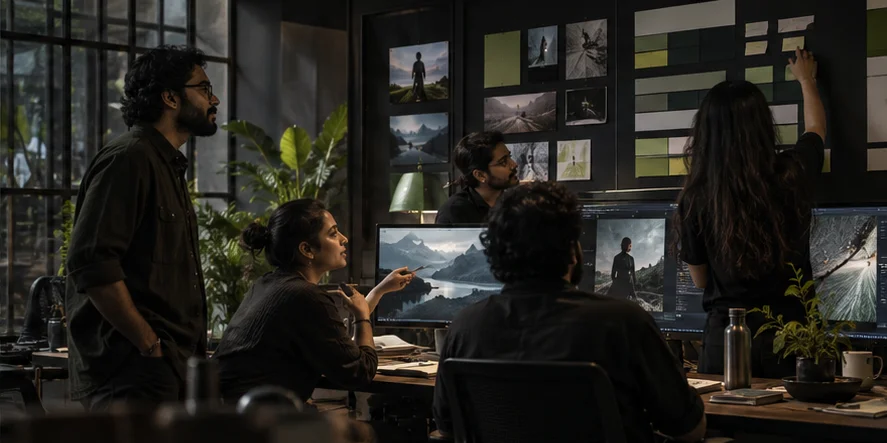
Fictional Tosheo illustration. Not competitor output or a benchmark result.
A buyer’s guide, not a leaderboard
InVideo AI
Where InVideo AI fits
InVideo’s official site describes AI editing agents, storyboards, a multitrack timeline, collaboration and use cases including microdrama and social video.
Evaluate InVideo when you want agent-assisted editing and creation within a working timeline. Its stated story and social-video use cases overlap with questions Tosheo buyers ask, so compare the actual review and versioning experience rather than assuming a simple prompt-to-clip tool.
Agent-assisted creation and editing
Storyboarding and timeline control
Collaborative and multi-format workflows
From the official product description
Tosheo
Evaluating Tosheo alongside InVideo AI
Evaluate Tosheo when you want the AI Director to carry a shared brief across story preparation, craft guidance and review decisions. For a publisher, the important question is whether a new channel version remains connected to the same source story and approved references.
A fictional publisher plans a narrated YouTube story and a short vertical excerpt. The excerpt needs an earlier hook and different framing. It should still tell the same story, rather than becoming an unrelated cut built from a new prompt.
Fictional, illustrative evaluation brief. No test results are reported.
01
Specify each audience entry point
Write separate opening requirements for the longer story and the excerpt. Name the intended viewer, orientation and narrative promise. This prevents an evaluation from treating a resized export as a fully considered short-form edit.
02
Review the agent’s decisions
Inspect what the proposed cut preserves and what it drops. Check whether a missing explanation makes the short misleading, whether captions carry enough context and whether the hook accurately represents the rest of the story.
03
Keep versions identifiable
Ask how a later script correction would affect both edits. Record the source version and the review status of each output. A repeat publishing workflow needs a reliable way to distinguish ready files from drafts and superseded exports.
Questions for your evaluation
Questions to take into a InVideo AI evaluation
01What can you change directly in the edit?
02How does a script correction reach every channel version?
03Where are scope, generation costs and final acceptance recorded?
Sources and limits of the InVideo AI comparison
This is a positioning comparison based on public product descriptions and Tosheo’s stated workflow. It is not a benchmark. We have not run these products through a comparative production test, and we do not claim that Tosheo is faster, cheaper or more consistent. The evaluation advice is our interpretation, not a statement that a competitor lacks a feature.
Before you choose
Is InVideo AI only for faceless or bulk videos?
No. Its current site describes a wider creative and editing workflow, including agents, storyboarding and collaboration. This page compares a publishing task and does not reduce the product to a single use case.
Does using Auto mode mean accepting every InVideo or Tosheo output?
No assumption about acceptance should follow from the word agent. For Tosheo, creative preparation can use scoped Auto mode; spending, rights and final acceptance remain explicit. Confirm the review controls of the exact InVideo product and plan you evaluate.
How should I compare InVideo AI and Tosheo on cost?
Use the same scoped brief and acceptance criteria. Include generation attempts, revision work, subscriptions and any editing needed to finish the deliverable. Tosheo’s pricing page lists its plans; confirm availability and project scope with the team. A listed subscription price is not a measured cost per accepted episode.
What should I prepare for a InVideo AI and Tosheo workflow trial?
Use the representative brief above as a starting point: one story, two different openings. Bring material you are entitled to use, a clear description of the intended audience and the review criteria. Keep a record of inputs, changes and accepted files so you can assess the process rather than only the most attractive frame.
Does this InVideo AI alternative page promise better results?
No. No comparative production benchmark or customer outcome is reported here. A useful trial should make its assumptions, rejected attempts and unresolved issues visible. Ask for evidence against your own production requirements before committing to a larger engagement.