The model library
Different strengths.
One story to tell.
Explore the video, image and voice model families in Tosheo’s production approach. Your AI Director connects their capabilities to the shot, the character and the story you want to make.
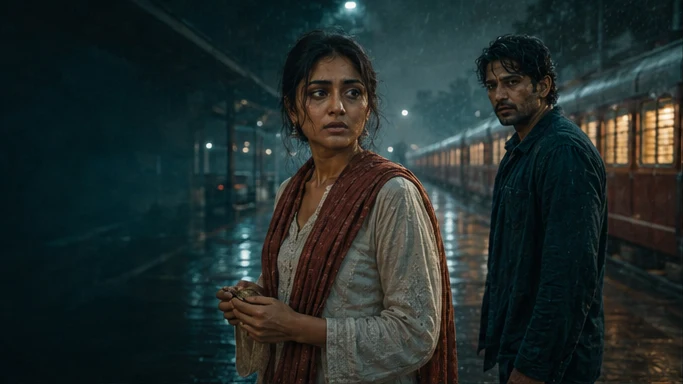
Hold the wide frame before revealing Kabir.
Rain under the canopy. Footsteps enter from behind.
Let the sound announce someone before the image does.
Image / Motion / Voice
Find the right role for each model.
Start with the work: create a reference, direct a moving scene or give a character their voice.
VideoIllustrative story conceptVeo
Picture meets sound.
Explore the model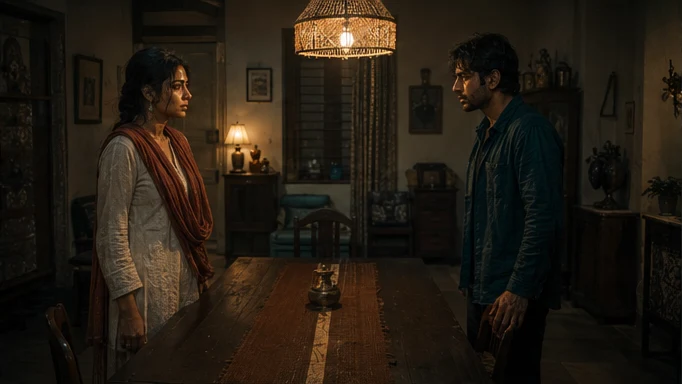 VideoIllustrative story concept
LTX 2.5
Connect the action. Carry the sound.
Explore the modelVideoIllustrative story conceptKling
Put your references in motion.
Explore the modelVideoIllustrative story conceptSeedance
Direct with more than words.
Explore the modelVideoIllustrative story conceptLuma
Make the camera tell the story.
Explore the model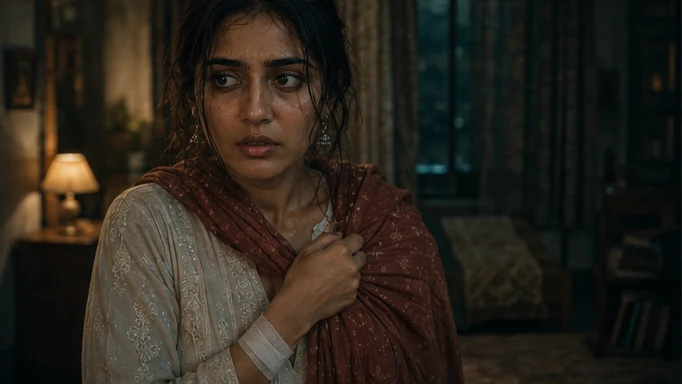 VideoIllustrative story concept
Hailuo
Give the reaction room to land.
Explore the modelImageIllustrative story conceptFLUX
Build the world before it moves.
Explore the modelImageIllustrative story conceptMidjourney
Find the visual language.
Explore the model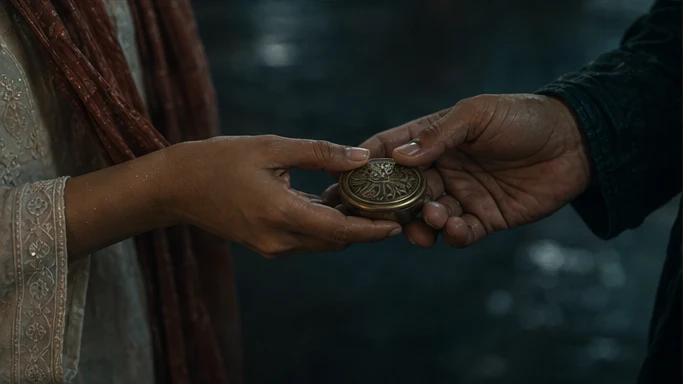 ImageIllustrative story concept
Nano Banana
Refine the detail that matters.
Explore the modelVoiceIllustrative story conceptElevenLabs
Give the story its voice.
Explore the modelCapabilities describe the model families, not a guarantee that every version or control is available in Tosheo. Production access depends on provider availability, references, rights and the approved scope.
AI Director + AI Skills + Models
The model makes an asset. Your AI Director connects the story.
- 01
Your direction
Share the brief, format, episode plan and intended languages.
- 02
AI Director
Build the storyboard, references and shot-level direction with AI Skills.
- 03
Model fit
Match the asset to an available model and the approved production scope.
- 04
Story-ready assets
Check the result in context, repair what needs attention and assemble the edit.
Review creative preparation yourself or use Auto mode within your chosen scope. Cost authorisation, rights clearance and final delivery acceptance remain explicit decisions.
Tosheo / AI-native production
Start with the scene.
Let the direction connect it.
See how Tosheo brings the brief, AI Skills, generation and review into one production flow.